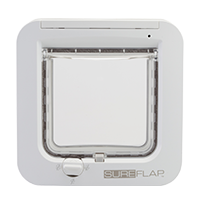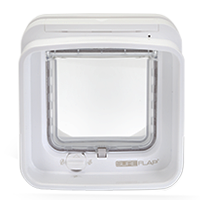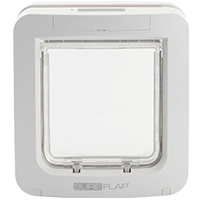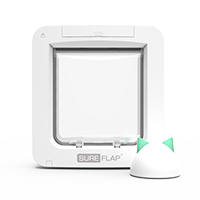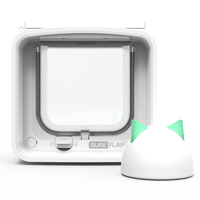

If you are experiencing problems with the setup or operation of your SureFlap pet door, please view these troubleshooting guides for further assistance.
You may wish to view our Getting Started Video for tips on how to programme your pet's microchip number or collar tag into your SureFlap pet door. (Note: this video features the SureFlap Microchip Cat Flap, but similar processes apply to the SureFlap Microchip Pet Door. You may wish to refer to your user manual for further assistance with the SureFlap Microchip Pet Door.)
Check that the batteries are fitted the right way round and are not run down. Ensure that you are using good quality alkaline batteries.
Check whether your SureFlap pet door is mounted in a metal door. If this is the case, follow the metal mounting instructions in the user manual for improved mounting.
Ensure the tunnel and sensor lenses are reasonably clean.
After inserting batteries did you leave your SureFlap pet door for around 10 seconds before allowing a cat into the tunnel? If not, remove the batteries for at least 2 minutes to reset the unit.
Check that there are no obvious sources of electrical noise in the area e.g. faulty flickering lights, other similar microchip readers, etc.
Check the learning process was carried out correctly for each of the pets you own. For example, when you have put your SureFlap pet door into learn mode for the second of two pets make sure that the first pet doesn't go through the flap instead. If in doubt repeat the learn process for your pets.
Under rare circumstances the microchip range is not enough for the SureFlap microchip pet doors to operate. If all other troubleshooting has been carried out without finding the source of the problem, this is likely to be the remaining cause. In this situation please contact our customer care team for further assistance.
Your pet will learn to love its SureFlap pet door, however a small number of pets are initially put off by the noise of the catch opening, particularly if they are not used to using a selective entry pet door. If your pet does not adjust immediately to the use of your SureFlap pet door, use the following process to coax him into using it. With a bit of persistence all pets will learn to use the pet door.
First follow the instructions in the user manual to turn off your SureFlap pet door. This will allow your pet to start using it without any noise from the catch.
Once your pet is more used to his SureFlap pet door insert the batteries. If he is still unwilling to use it, prop the flap open with the door facing inside the house. A simple method is to use tape between the bottom of the flap and the top of the main assembly. This will allow him to get used to the opening click while also having an inviting open hole to go through.
Finally let the flap swing shut and allow him to start using the pet door. Strategic positioning of food inside/outside the house can also help encourage the initial use of the pet door.
Occasionally dirt or moisture can collect around the catch, causing it to become stuck in the 'open' position. Lubricating the catch with a little WD-40 will usually resolve this problem. Follow the steps below:
Ensure that the catch is in the 'open' position, allowing the door to open and close freely. If the catch is up in the 'locked' position, simply press the memory button once and the catch should move down into the 'open' position.
Spray one squirt of WD-40 into the aperture in which the catch is positioned.
Press the memory button 5 or 6 times and the catch should move up and down with each press of the button.
The catch is now well lubricated and should open and close easily when your pet approaches and enters through the pet door.
SureFlap pet doors can store up to 32 pet identities in memory. If more than 32 codes are learnt, each new code simply erases the earliest code stored.
In the unlikely circumstance that you need to wipe the memory (for example you accidentally programme next door's pet into your SureFlap pet door), please follow the steps below:
In the unlikely event that the unit needs resetting to a known state, follow the steps below to revert to the factory settings:
Ensure that the tunnel and sensor lenses are clean. Check that there are no obvious sources of electrical noise in the area e.g. faulty flickering lights, etc.
If you are experiencing reduced battery life, ensure that any fur caught at the top of the flap is removed, as this can obstruct the sensors and cause the batteries to drain more quickly. Also, check that the flap isn't sticking in an open position as this can also interfere with the sensors.
We recommend using good quality alkaline batteries with your SureFlap pet door. We do not recommend using rechargeable batteries.